ST PATRICK'S DAY SALE -Up to 50% OffSelect Products or up to $500 Off Wheels!

Get Promo Codes Here!

z

Search

    z
    z

    Tesla Cybertruck Super Sturdy Bolt-on Phone Mount & Wireless MagSafe Charger

    Select Option
    Add CarPlay/AndroidAuto Smart Screen?
    z
    z
    • Description


      NEW EXCLUSIVE PRODUCT!


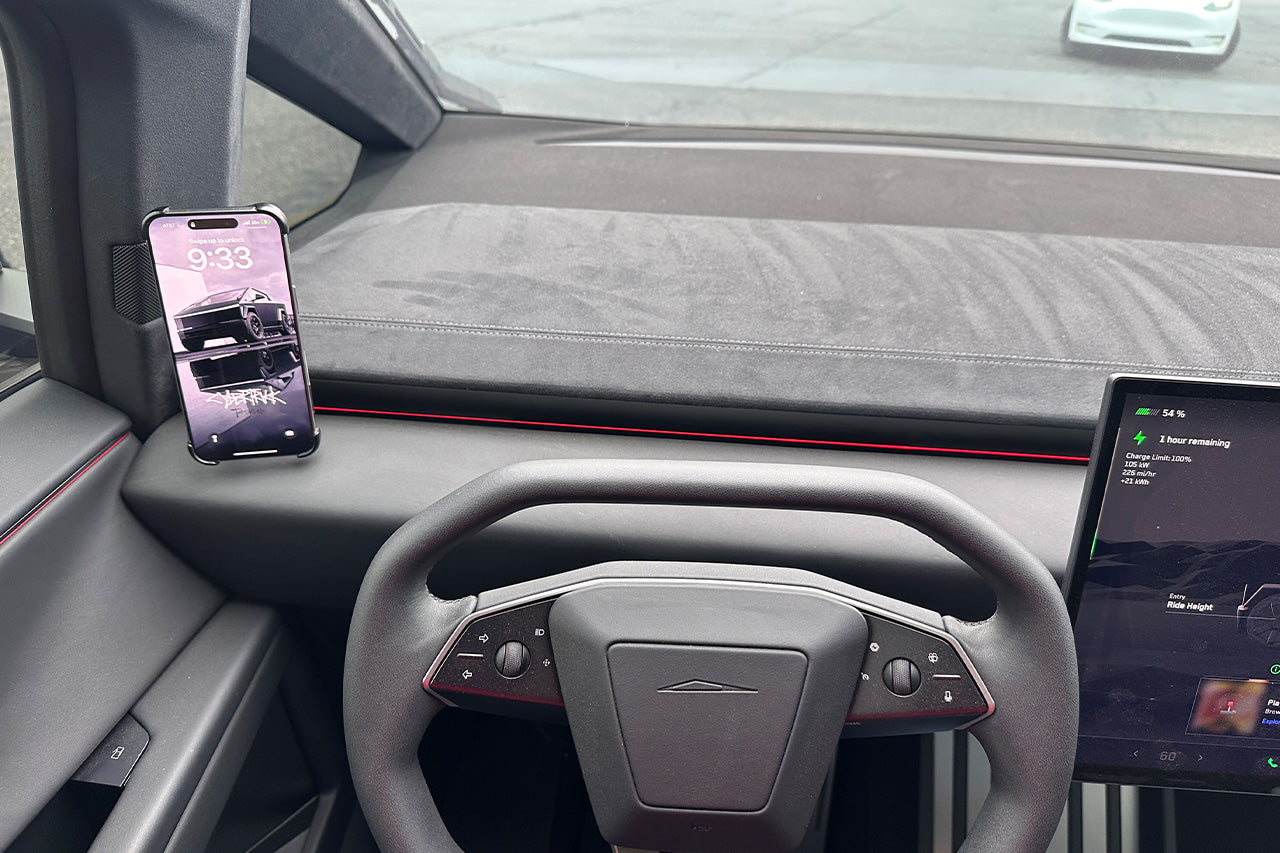
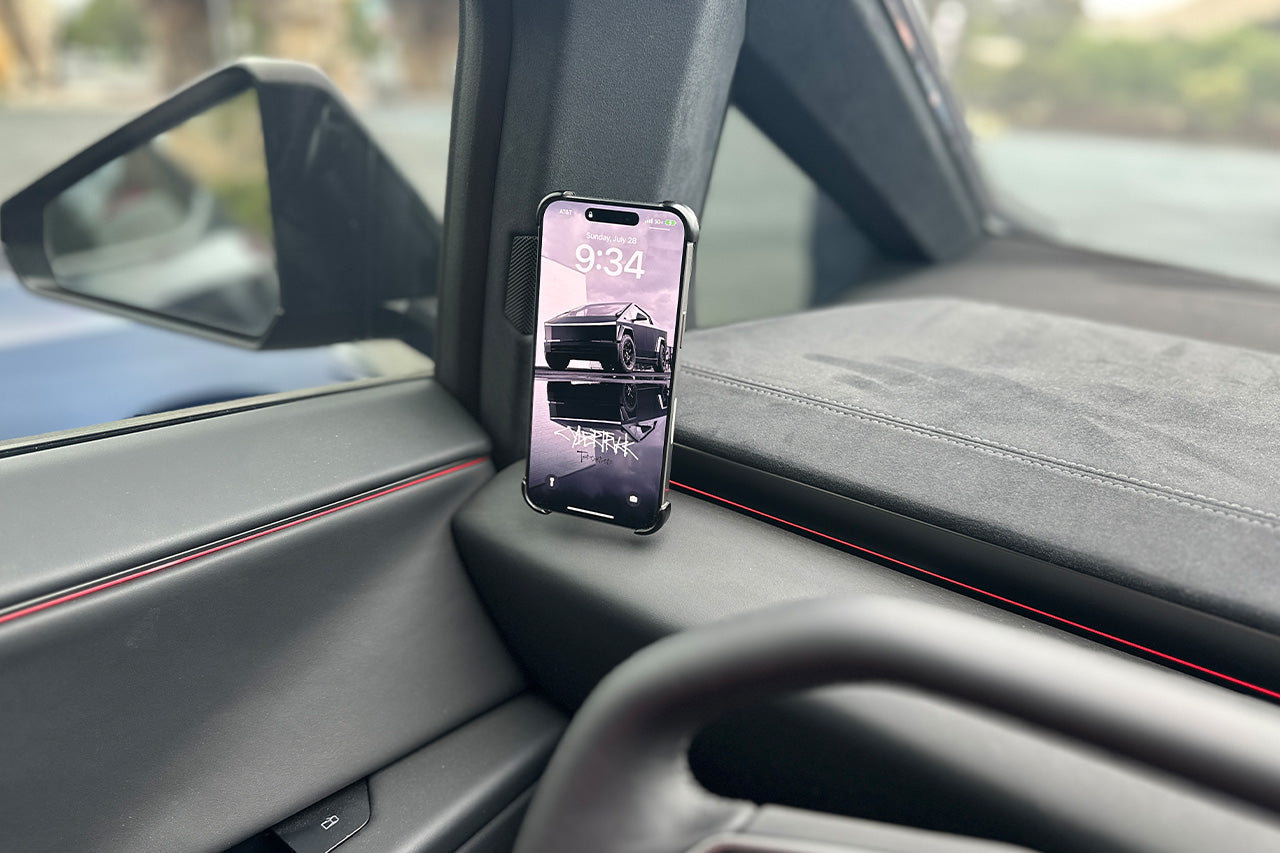
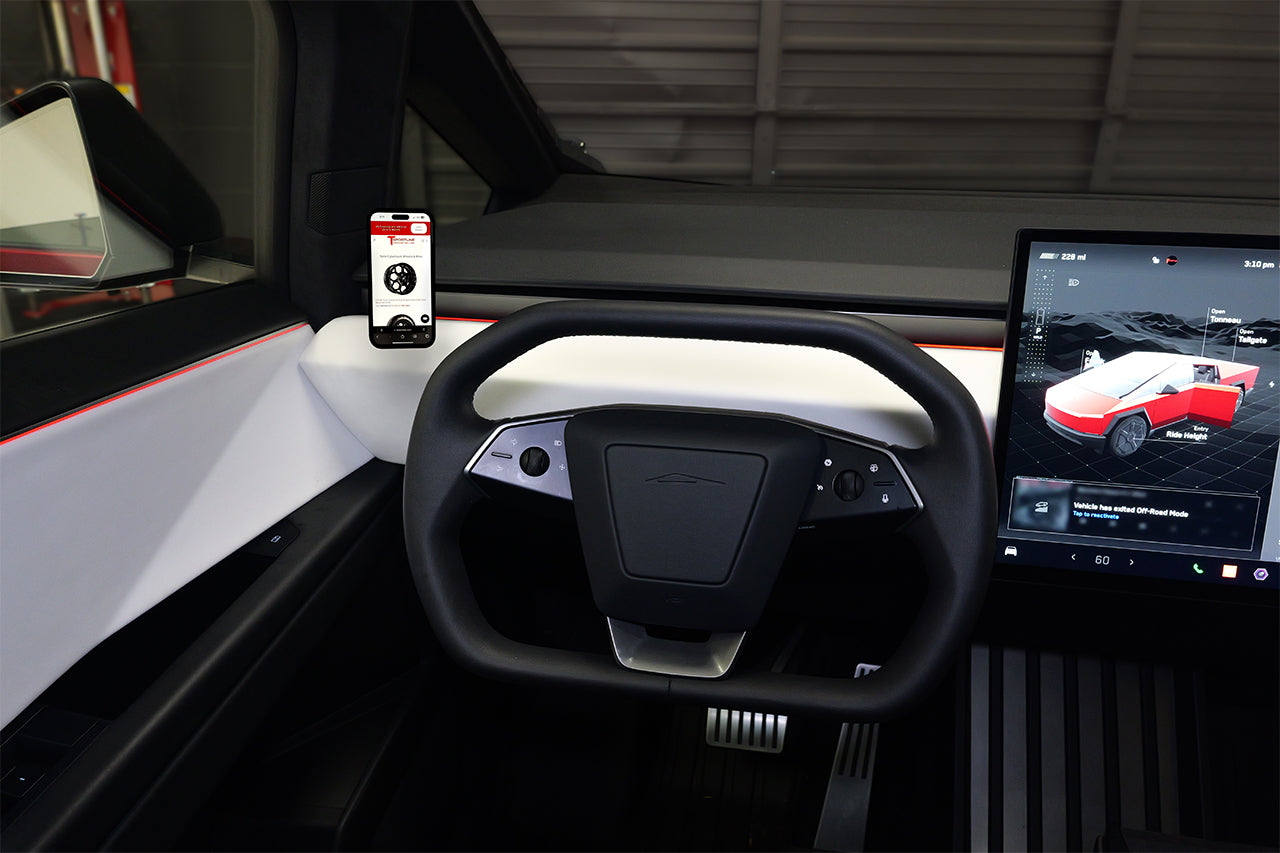
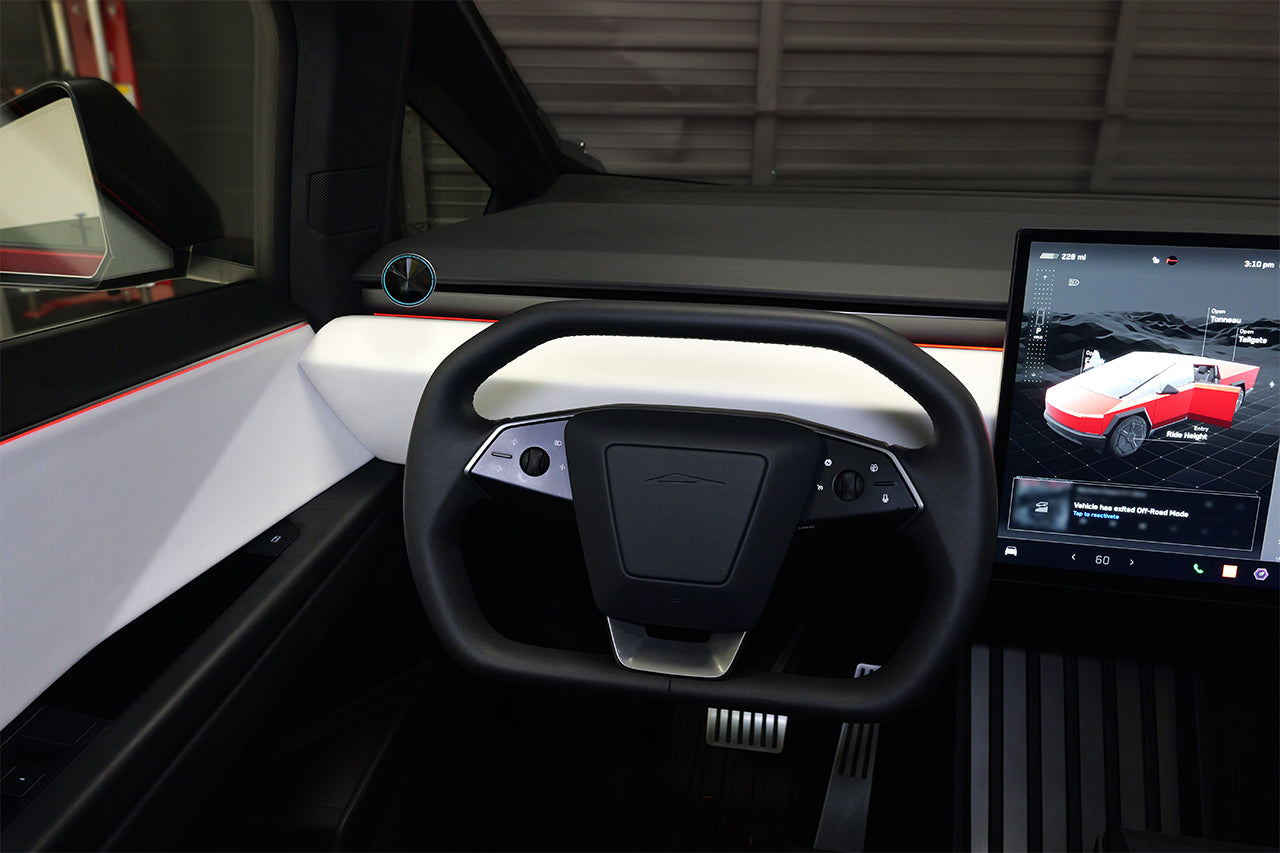
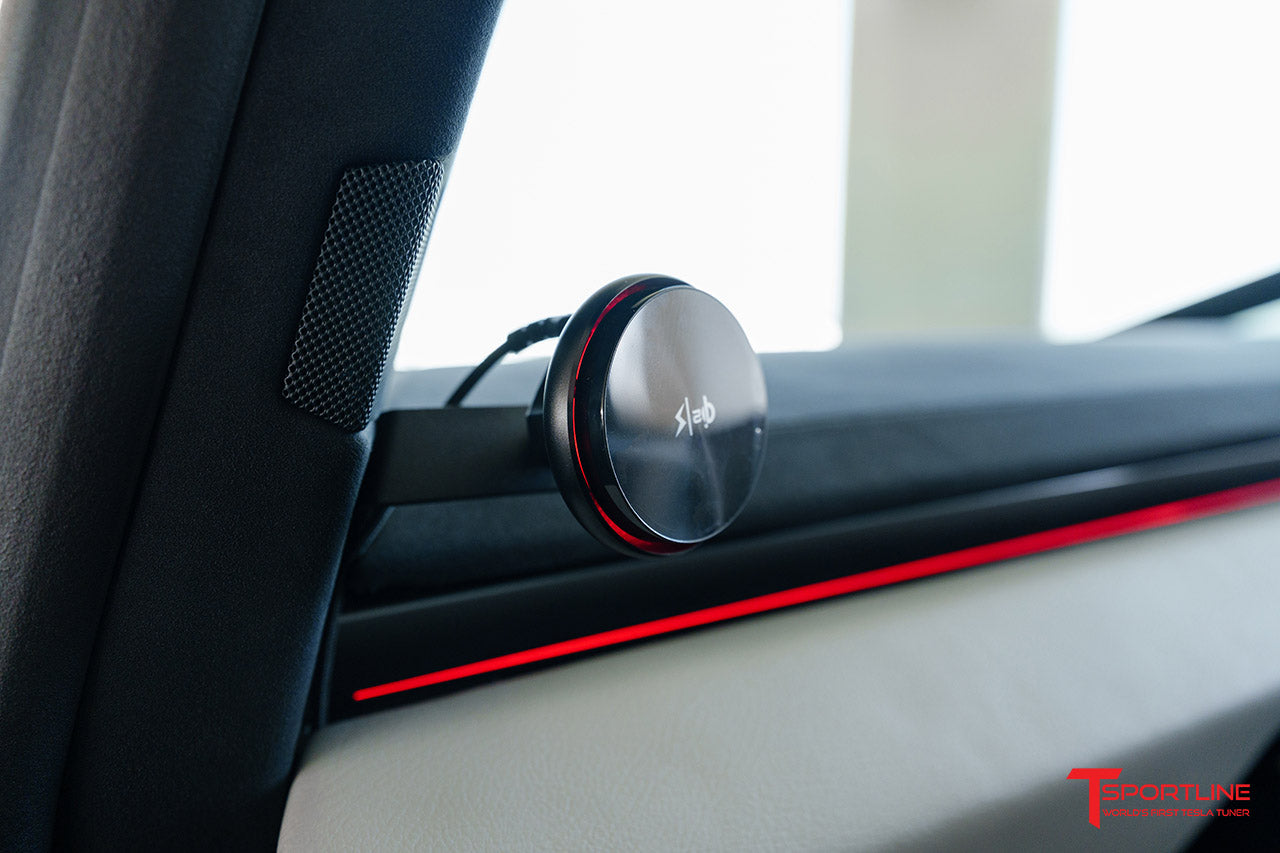
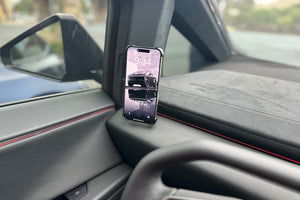
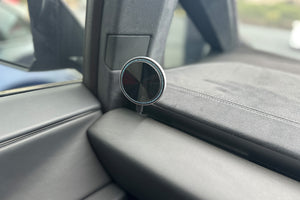
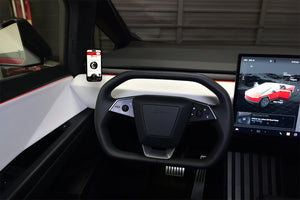
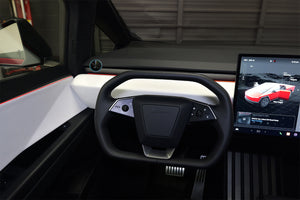
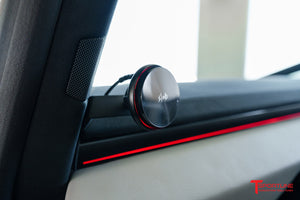
      The most ideal position for a phone mount in the Cybertruck is on the left side of the driver.  T Sportline engineers have designed a DIY bolt-on phone mount which locates in the optimal left side placement.   The patent pending T Sportline phone mount is professionally manufactured from CNC laser cut and formed alloy steel, finish in satin black electrostatic powder coating.   Unlike other products in the market, this T Sportline phone mount is not 3d printed nor made from cheap and flimsy plastics.   Rest assured, this phone mount provides a truly rigid and secure fitment for your phone and will not jiggle, rattle, or deform in sunlight like other 3d printed plastic mounts.  The DIY install is very simple and does not require any permanent modifications and the attachment to the Cybertruck is completed using a proper and pre-existing factory Tesla bolt - we do not use double-sided tape or gimmicky plastic 'clips'.    


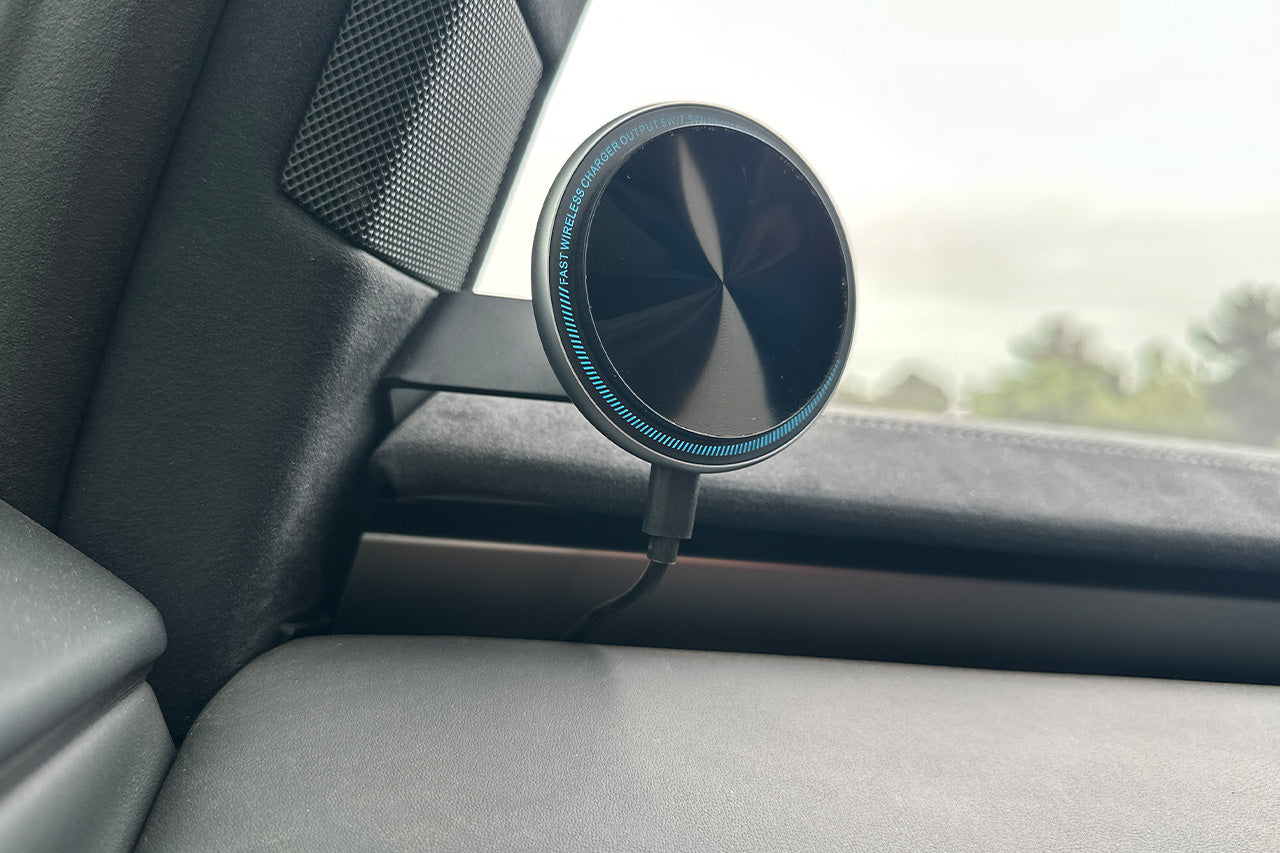
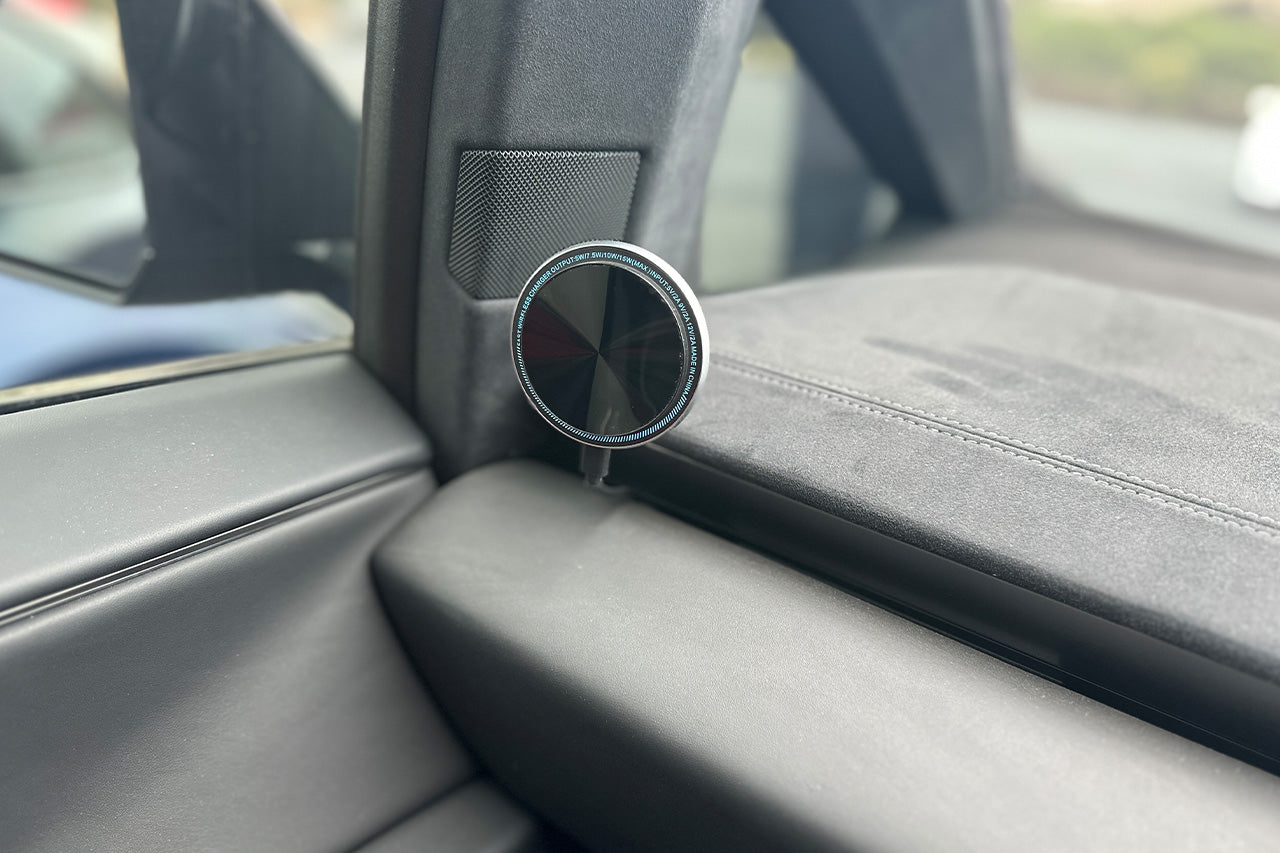
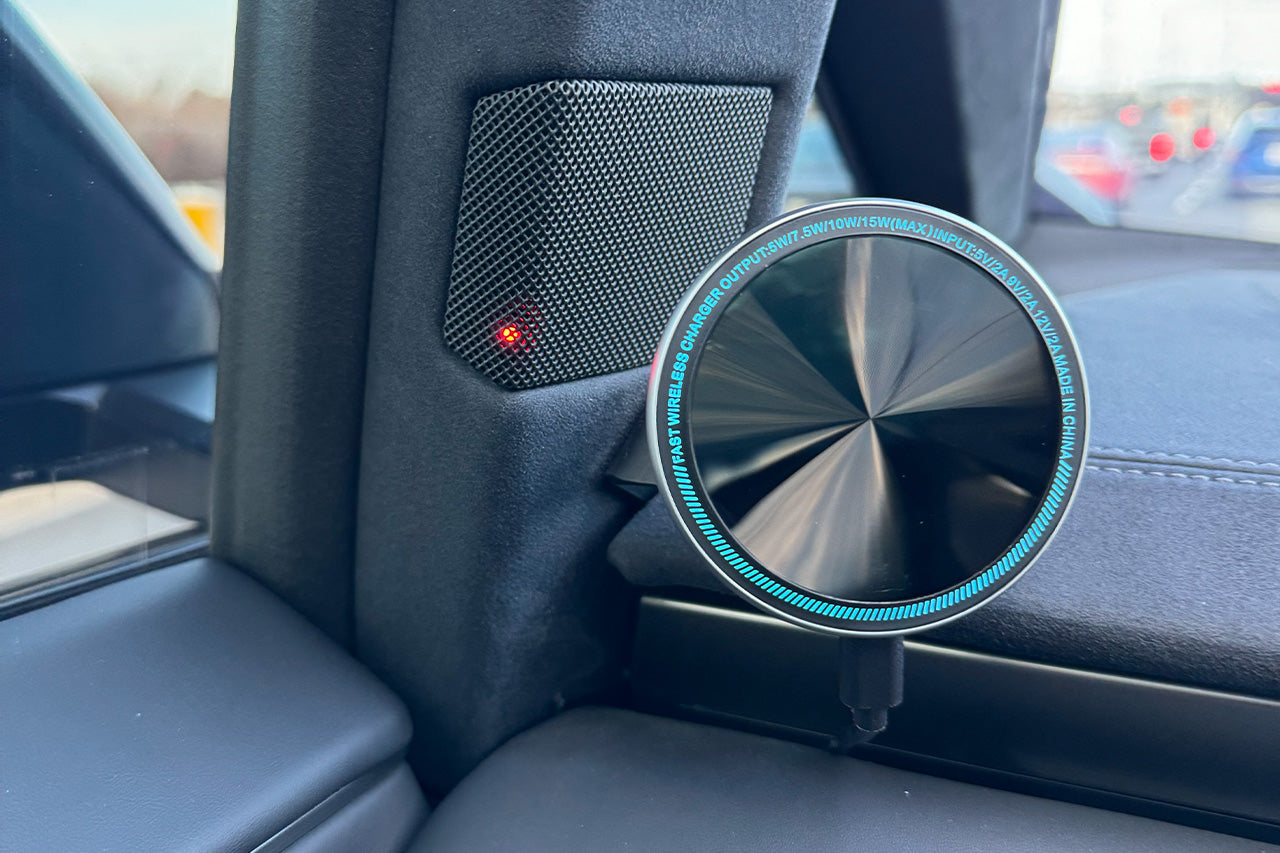
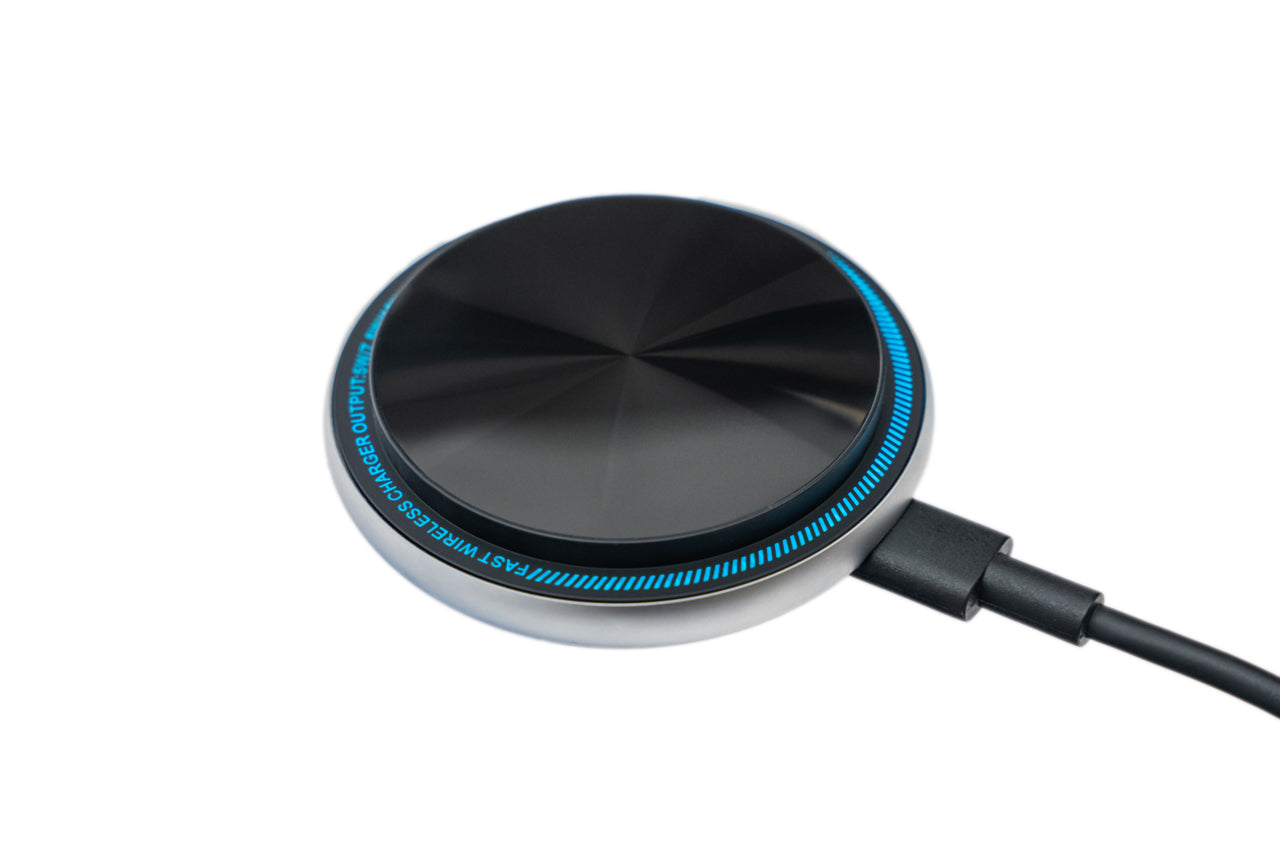
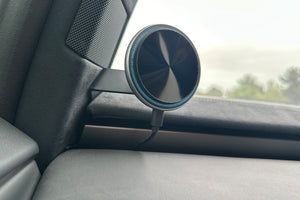
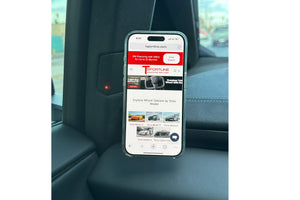
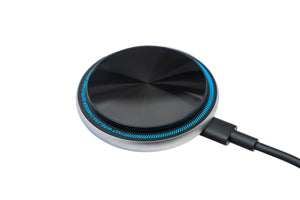
      The T Sportline Left-Side MagSafe Phone mount for Tesla Cybertruck is the perfect solution for quick and easy iPhone / Android device holding and charging.   The ball-mounted head is an articulating design is highly adjustable, positions your phone exactly where you like it.


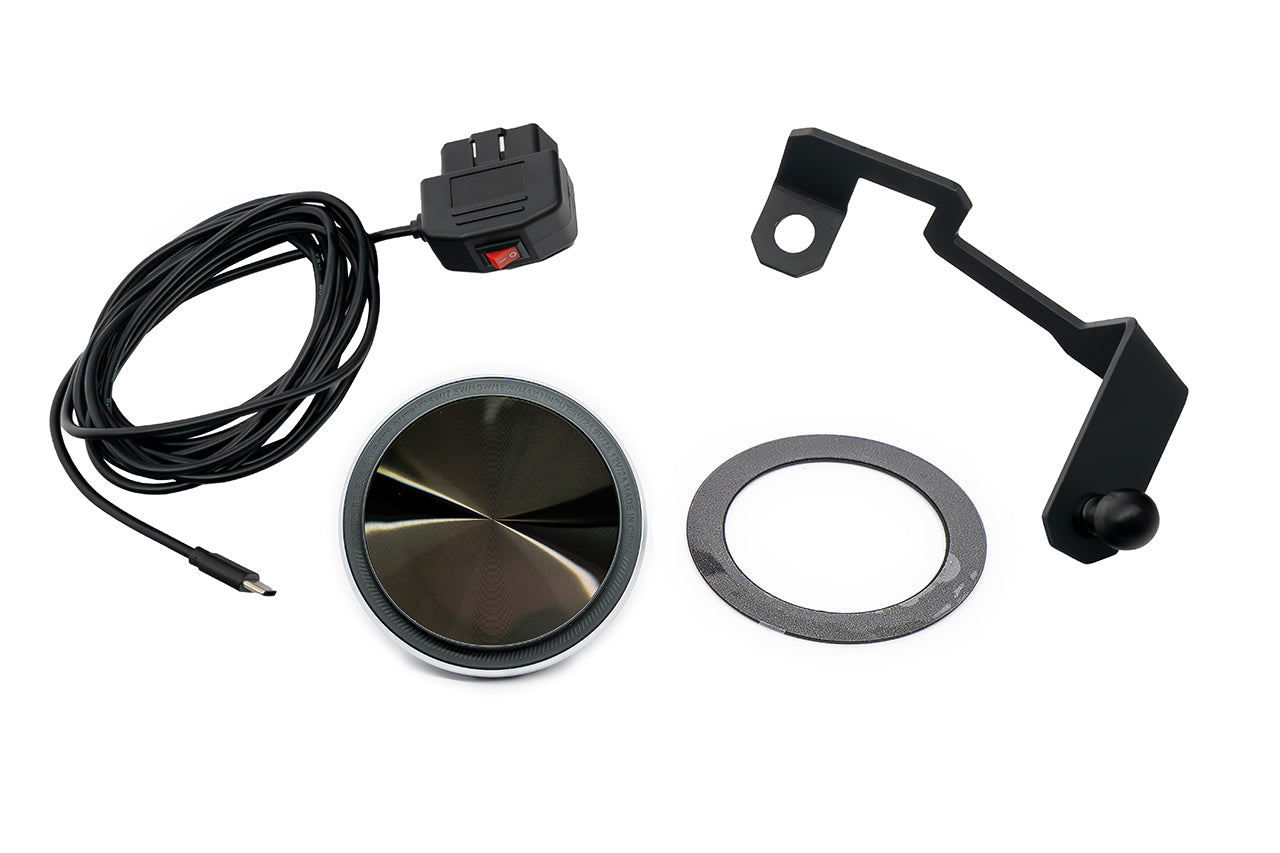
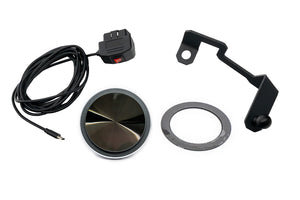
      The mount is offered in three versions: Non Charging, Standard Qi Protocol Charger, and fast Qi2 Protocol Charger.   The kit includes a spare mating metal ring with adhesive backing for use on cases or non-MagSafe iPhones (or Android phones).   Note, the MagSafe charger version only charges iPhones equipped with MagSafe charging.   The charger includes a plug-and-play cable that simply plugs into the Cybertruck for proper power supply.  


      Fitment

      • Works with all Tesla Cybertruck Models
      • Works with MagSafe backed phones
      • Use with Non-MagSafe backed phones requires using included adhesive backed ring
      Q1 Charger Comparo


      Find details on optional CarPlay/Android Auto Smart Screen HERE


      Whats included with each version:


      Charging Kit: 


      Bracket and Charger Kit Specifications:

        • Patent Pending design
        • Designed and engineered specifically for Cybertruck by T Sportline
        • Professionally manufactured from CNC laser cut and formed alloy steel, finished in satin black electrostatic powder coating -- not 3d printed, not plastic
        • DIY bolt-on installation, does not use tape or flimsy plastic clips
        • NO permanent modifications!  Easy bolt on
        • Limited lifetime warranty 


      Note on wireless charging- your phone will control the actual charge wattage drawn, depending on phone battery temperature, condition, level of charge, and what sort of phone cover is installed.  
       

       What is included: 

        • Powered Magsafe Wireless Charger Mount
        • Spare metal ring for phone cases or non-MagSafe phones
        • MagSafe Mount and Wireless Charger (Qi Standard or NEW Qi2 Standard)
        • Complete adjustable ball-joint mount
        • MagSafe magnet pad with ball socked head
        • Wireless charging magnet pad with with ball socket head
        • Power solution 
        • Cybertruck specific mounting bracket


      Non-Charging Kit: 


      Bracket and Magsafe Mount (does not charge) Specifications:

        • Patent Pending design
        • Designed and engineered specifically for Cybertruck by T Sportline
        • Professionally manufactured from CNC laser cut and formed alloy steel, finished in satin black electrostatic powder coating -- not 3d printed, not plastic
        • DIY bolt-on installation, does not use tape or flimsy plastic clips
        • NO permanent modifications!  Easy bolt on
        • Limited lifetime warranty


      What is included: 

        • Cybertruck specific mounting bracket
        • Spare metal ring for phone cases or non-MagSafe phones
        • Complete adjustable ball-joint mount
        • MagSafe magnet pad with ball socked head


    • Shipping


      Shipping is calculated at Checkout.

      Shipping & Handling charges subject to change without prior notification. PLEASE NOTE THAT INTERNATIONAL SHIPMENTS ARE SUBJECT TO CUSTOMS TAXES/DUTIES, AS CHARGED BY YOUR COUNTRY (THERE ARE NO U.S. CUSTOMS FEES). INTERNATIONAL CUSTOMERS ARE RESPONSIBLE FOR PAYMENT OF THESE FEES. Due to service availability, some international orders may need to be sent to the nearest international airport.

    • FAQ

      FAQ - 

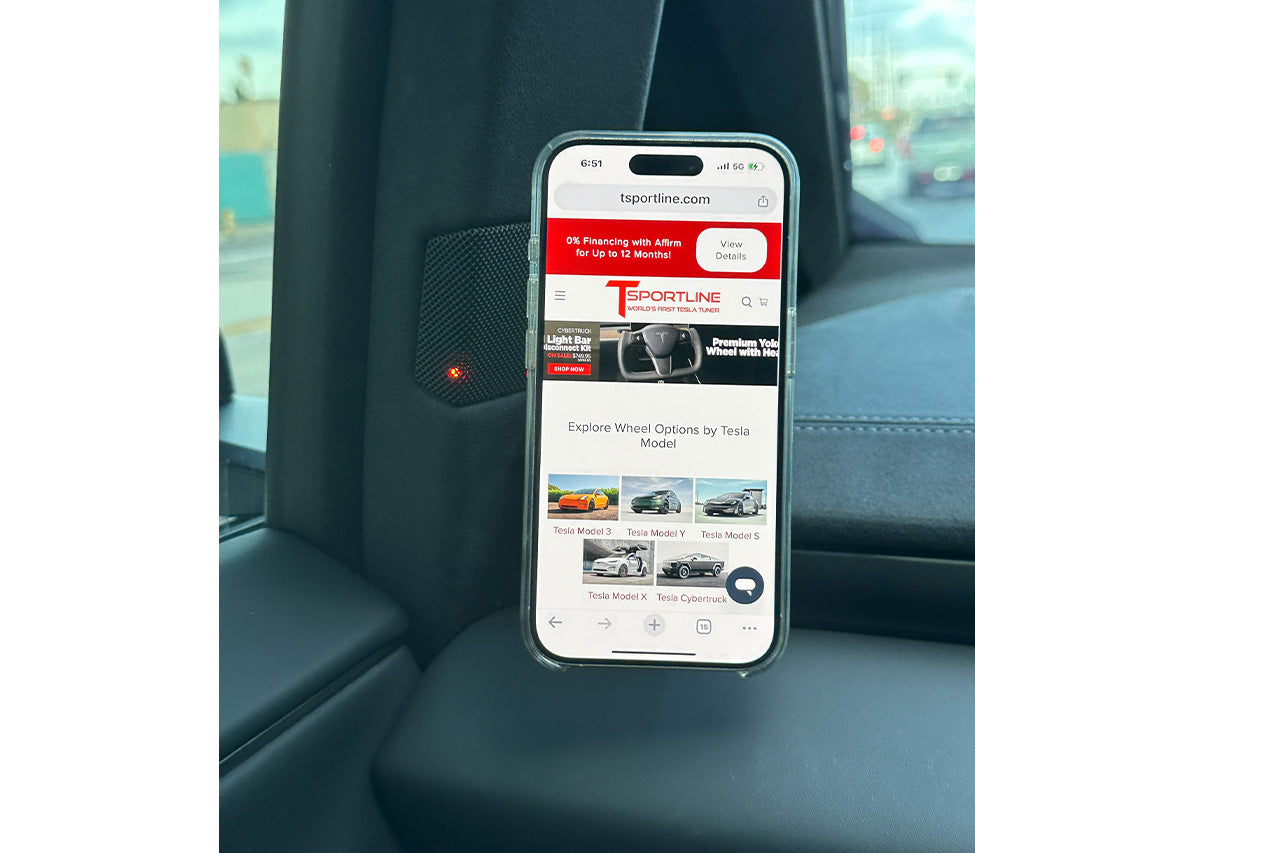
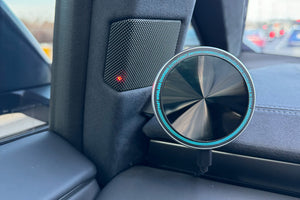
      Does it block the 'blind spot' monitoring light on the Cybertruck A-Pillar?

      • NO, the blind spot light remains perfectly unobstructed! 


      Will this shut off when I exit my vehicle

      • The charger will power off after vehicle inactivity if Sentry mode is turned off.   


      Note on wireless charging - your phone will control the actual charge wattage drawn, depending on phone battery temperature, condition, level of charge, and what sort of phone cover is installed.  


      More charging learnings:

      • If your phone shows the 'charging' icon when attached to the charger, the charger is functioning properly.  The charging power drawn / rate of charge depends on the number of running apps, the phone/case/condition stated above, and the phone's internal charging controls.
      • Using GPS and 'screen always on to show map' will be a high power consumption scenario; do not expect phone to 'charge up' during this use case.  Often in this scenario a charger will slow the rate of battery drain, but will not charge 'up' the battery.  This holds true often regardless of charging method, wireless or wired!!!  
      • Pro-tips to increase charging rate:
        • Turn off GPS
        • Turn off WiFi / Bluetooth
        • Turn off screen (or turn down brightness)
        • Turn down speaker volume if being used
        • Close background apps
        • Turn on A/C and keep phone out of sun or covered from sun